What we got wrong designing our first app, and what I’d do now
June 08, 2025 • Sam Dyer
In Autumn last year, Sam and I discovered that we were both running into the same problem. We would recommend books to each other via WhatsApp, or trade recommendations with others in person, but we had no good place to store them. They were getting lost in chat histories or buried in note apps, and it was also difficult to keep track of thoughts and ratings after finishing a book for the same reasons. What we needed was a simple tool: one to store and rate books we’d read, keep a structured list of books we wanted to read, and share recommendations easily, without resorting to Audible screenshots. We weren’t looking for yet another app like Goodreads, which felt more like a social network than a practical tool. We wanted something lightweight, focused, and built for our actual needs - so we decided to build it ourselves.
Five months later, in February, Bookmark launched on iOS and Android. Both of us have some interesting takeaways from building an app together again, and alongside our day jobs this time, but I want to focus specifically here on the design process, since this was the first time we were building without a designer in the team. We both learnt a lot in this area, and while I won’t pretend we can become full-time UX designers any time soon, I think we did achieve our goal of building something that looks relatively polished and feels like a 'proper’ app which clearly had a good amount of thought put into it.
With that said, here are 3 things I’d do differently next time.
Just start wire-framing
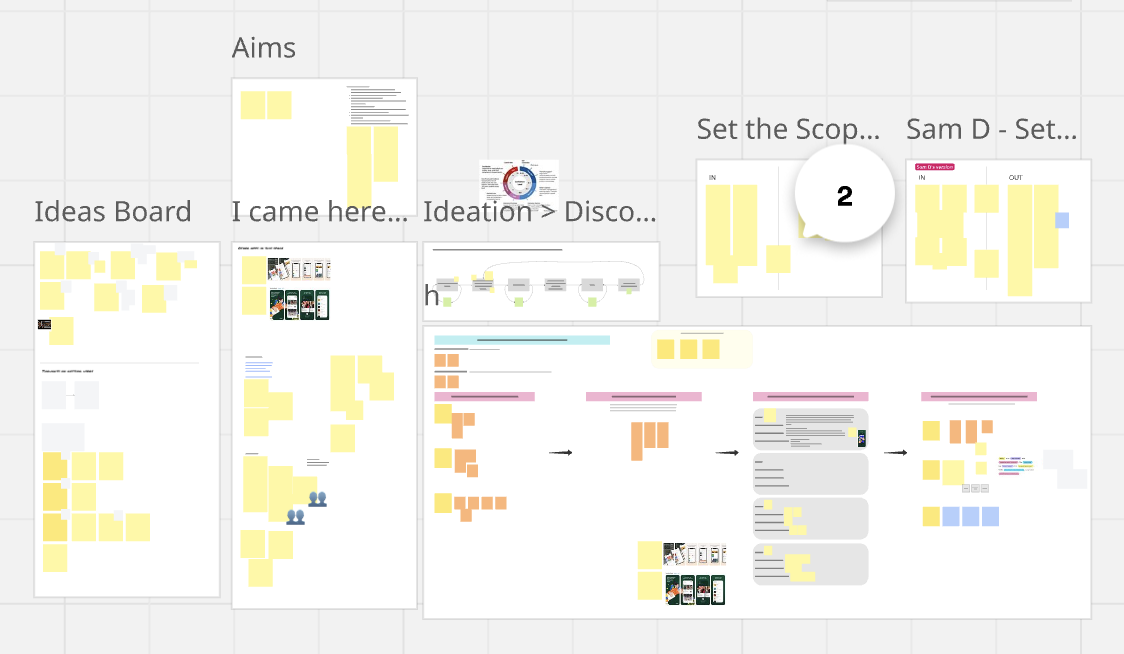
At the start we spent too much time planning rather than doing. I was really conscious of this potential pitfall before we began, but we still ended up spending too much time on product planning, analysing the other apps in the market, and trying to solve UX problems before we even had any UX. After a few weeks of collaborating on a Miro board, we had to stop and remind ourselves that our main goal wasn’t to solve X number of problems for X number of users and become the most popular book tracking app around, but actually it was just to solve two or three problems for ourselves. Soon after, we started to get some wireframes into Figma and realised we should have done this weeks earlier. Wireframes are great - they’re cheap to put together and give you a really solid idea of what the app can feel like without yet needing any kind of design system (or much skill). They force you to start thinking seriously about the user journeys, and, crucially, bring you out of analysis paralysis - making it much easier to jump to high fidelity designs and then code.
Don’t design for every outcome, instead start prototyping.
Once you’ve started with wireframes it can be tempting to try and map out every flow and user journey in order to reduce the mental burden once you’re in development - which is exactly what I thought I’d do.
If the user starts doing X but then decides to abort, what happens?
If the user wants to achieve Y but is starting on screen Z, how should they get there?
However, even for a simple app like Bookmark, once you start trying to plan every single flow before you have any code written you quickly realise just how many different variations there could be - and also just how little you know about what it will feel like once in the hand. I found that I was having to predict what the user journey would feel like and what should be expected at various points in the flow, but once we had some code written and a simple flow up and running in the simulator, it turned out in many cases I had been completely wrong. The big takeaway for me here was just how important it is to get something in hand as soon as possible. This isn’t groundbreaking, I’m really just describing prototyping and simple user testing - but it is a great reminder that these fundamentals are still very important even in the simplest of CRUD apps.
Implement a system for UX feedback early on
I don’t mean feedback from users, I mean feedback to users, like toast messages. It’s a simple one but really important to get right early. As a user, when you press a button you expect something to happen. This could be a new screen appearing (in the case of navigation), or something disappearing from view (in the case of item deletion), but there are also cases where you need to tell the user something via a message on screen, such as success or error messages. Initially we had designs for full screen custom modals for these confirmations and messages, but this was one of those case where it felt completely different once in the hand to how I had expected it to on paper. It disrupted the flow in quite a jarring way, and altogether just felt like a really heavy handed approach. Not only that, but building a modal for each case where you want to communicate to the user is just more expensive than a simple toast - it takes more time, even if just a little, and this quickly compounds across the course of development.
With this realisation I set out to build my own toast system, but then quickly came across FlashMessage, a package from Lucas Ferreira which makes it super simple to display colour-coded toasts with just one line of code. Using this package, we could now easily display small colour-coded messages to the user that were instantly recognisable as conventional success/error/information messages. It also ended up being much quicker to implement, meaning we could concentrate on speeding up development in more important areas. Next time I design or build or an app from scratch I’ll definitely plan for a toast message system like this from the start.
------
Ultimately, as well as solving a specific book-sharing problem for ourselves, building Bookmark was a learning exercise - and from that perspective I think it was a massive success.
As a Product Manager I recognise each of the challenges I’ve outlined here from my day job, yet having to solve them without the support of the world-class designers and developers whom I work with every day makes it a whole different ballgame. In many cases it has been a great lesson in how much you learn by doing things the hard way.